Amwork
All-in-One Platform
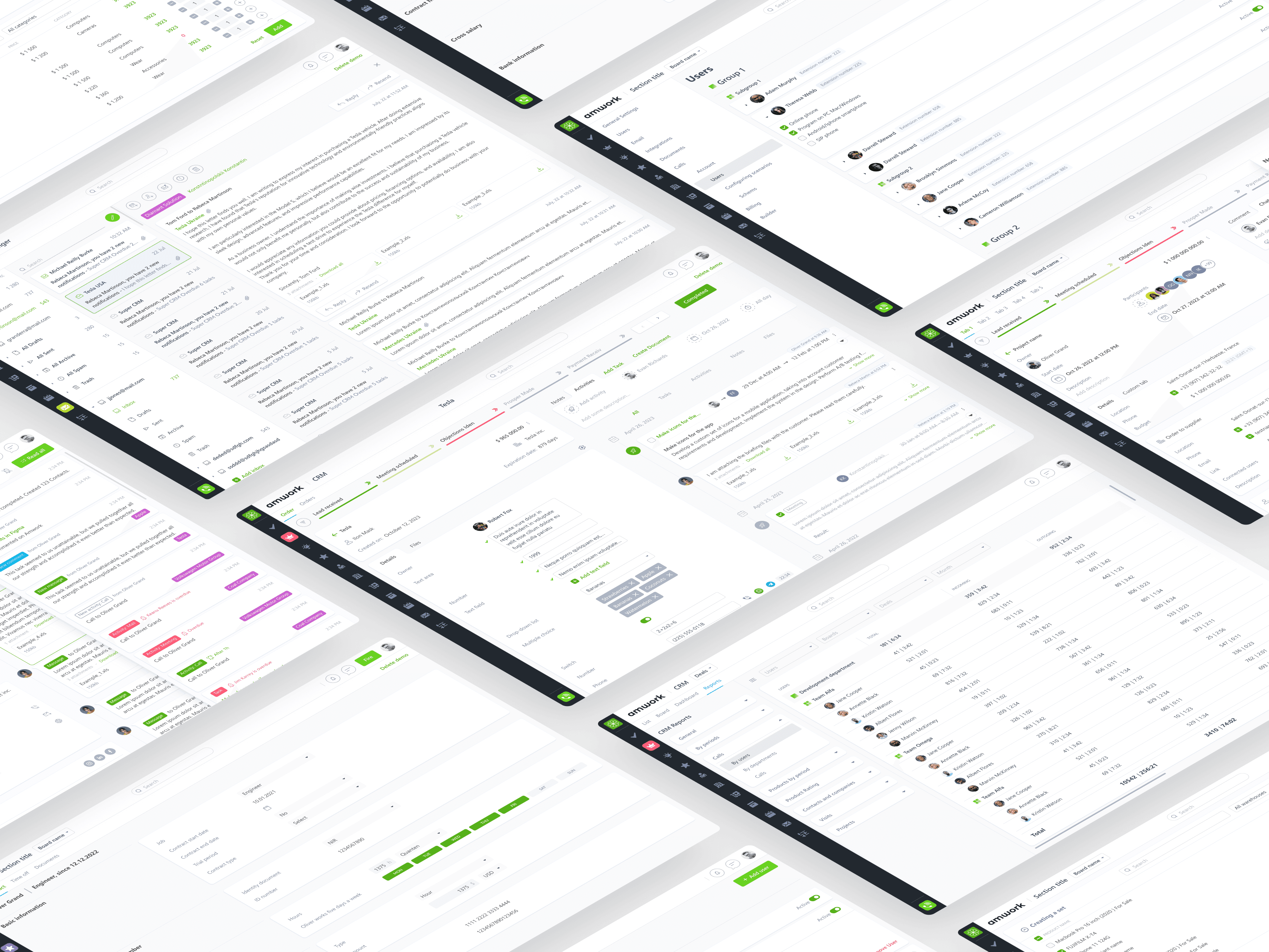
When I joined Amwork, the product was growing fast but still taking shape. The team had a clear vision: an all‑in‑one platform where small and medium businesses could manage projects, clients, hiring, HR and more — without writing code. My role was to turn this evolving vision into a coherent, scalable interface across dozens of modules.
Background & Context
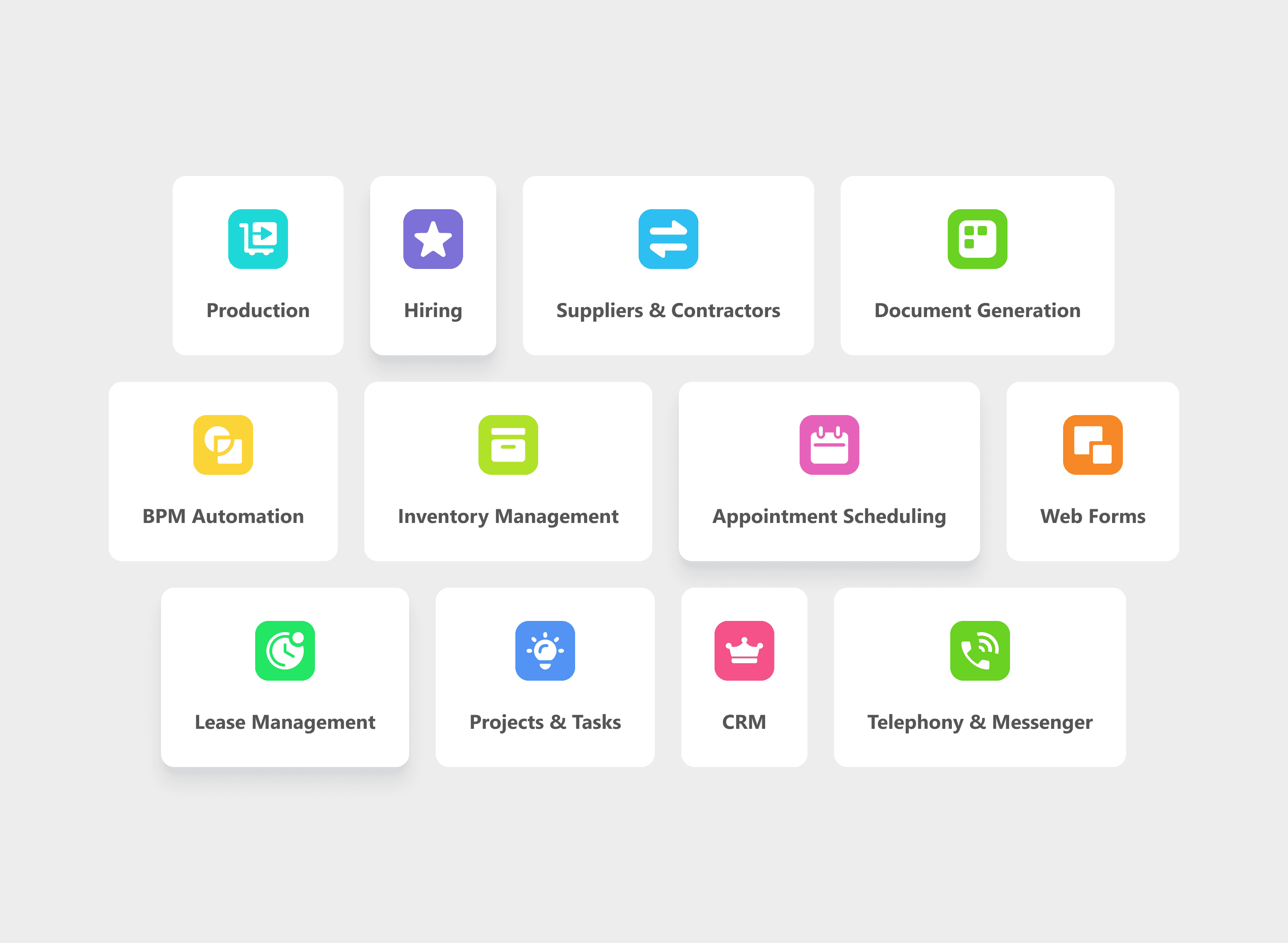
Amwork is a flexible, multi‑module platform that lets companies build custom workspaces from ready‑made tools:
project and task management
CRM and sales
hiring and recruiting
scheduling and calendar
inventory, suppliers, and more
The target audience: small and medium‑sized teams that need to automate internal processes without investing in custom development.
When I joined, many modules either didn’t exist yet or were in very early draft form. The product had: some initial screens from a previous designer, a growing list of new business requirements, and a single founder acting as both stakeholder and product manager.
The main UX challenge:
My Role
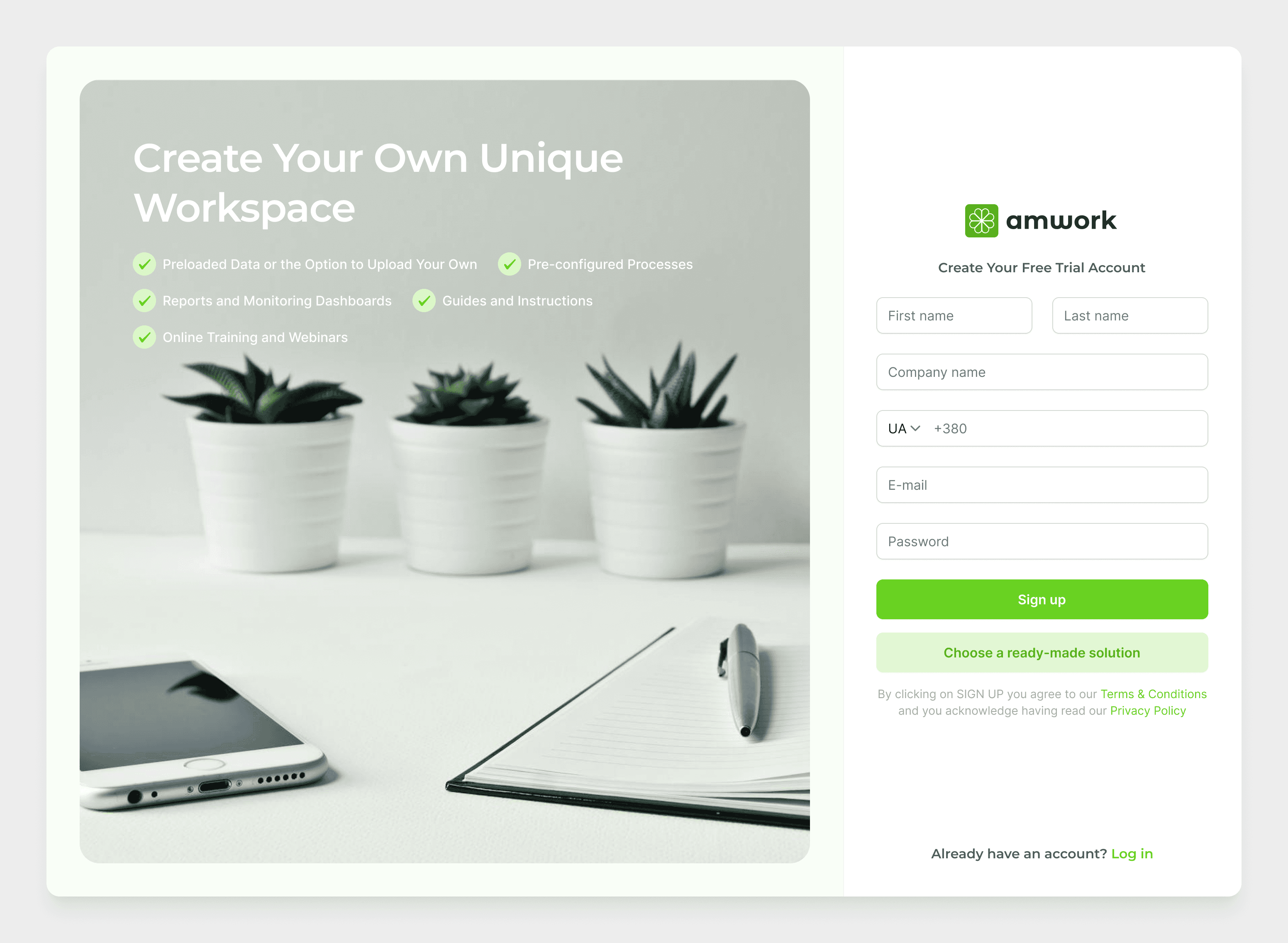
Product / UX/UI Designer (sole designer on the product). I worked on Amwork for about a year as the only designer on the team. My responsibilities:
Designing almost all platform modules from scratch, based on high‑level business goals and references from the founder.
Creating and maintaining a consistent UI language across all modules.
Collaborating daily with the founder (PM), developers, and QA in a fast‑moving environment.
Because I was the sole designer, I had to balance UX thinking, UI details, speed, and consistency — sometimes redesigning entire screens in a matter of hours or days based on new feedback.
Key UX Challenges
As we iterated on the concept, a few key UX challenges surfaced.
1.
Building on incomplete and changing foundations
I started from early screens created by a previous designer. They gave a rough direction but:
didn’t fully reflect new business logic,
weren’t always consistent across modules,
sometimes conflicted with how users actually worked day‑to‑day.
My first step was to treat these screens as input, not a final truth — keeping what worked and restructuring the rest around clearer flows and hierarchies.
2.
Unifying very different tools under one experience
Amwork combines:
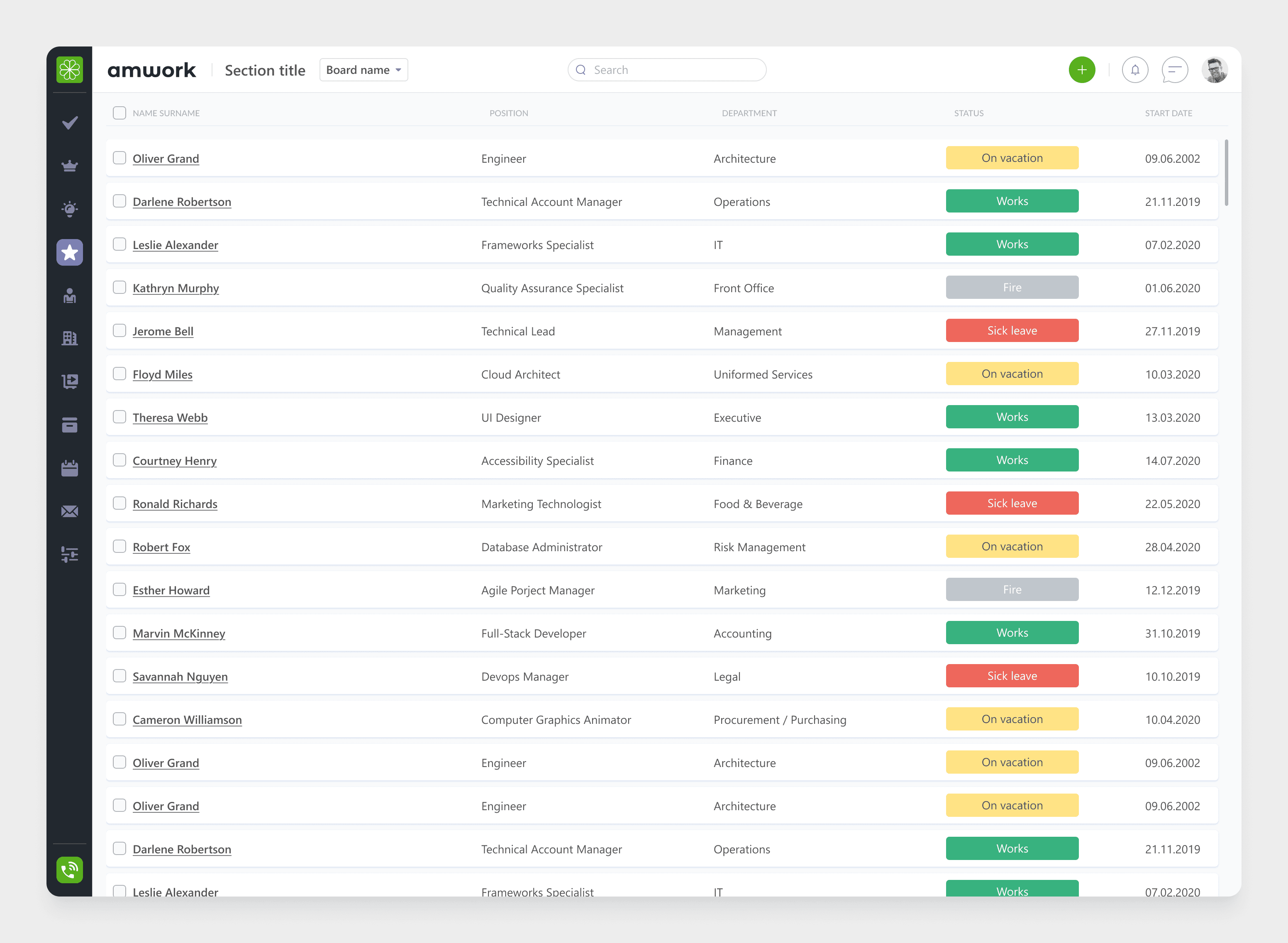
big, dense tables (projects, tasks, CRM records),
multi‑step flows (hiring pipeline, candidate management),
communication tools (messenger),
time‑based views (calendar, scheduling).
Each of these could be a separate product — but here they had to feel like one platform.
This pushed me to define: reusable navigation patterns, consistent ways to filter, sort, and search, standard approaches to forms, statuses, and notifications.
3.
Designing in real time with the business
The founder often came with new requirements or ideas based on calls with potential clients.
A typical pattern:
morning: a call about a new use case,
day: a quick sync to define what’s needed,
next 1–2 days: UX/UI proposal,
then: refinement with devs and QA.
This pace meant that documentation had to be lightweight, and the design system needed to support fast iteration without breaking consistency.
Selected Modules & UX Decisions
AmWork is a multi-module platform packed with features for managing business operations across teams and departments. Below are just a few examples from the broad set of tools I worked on:
Project & Task Management
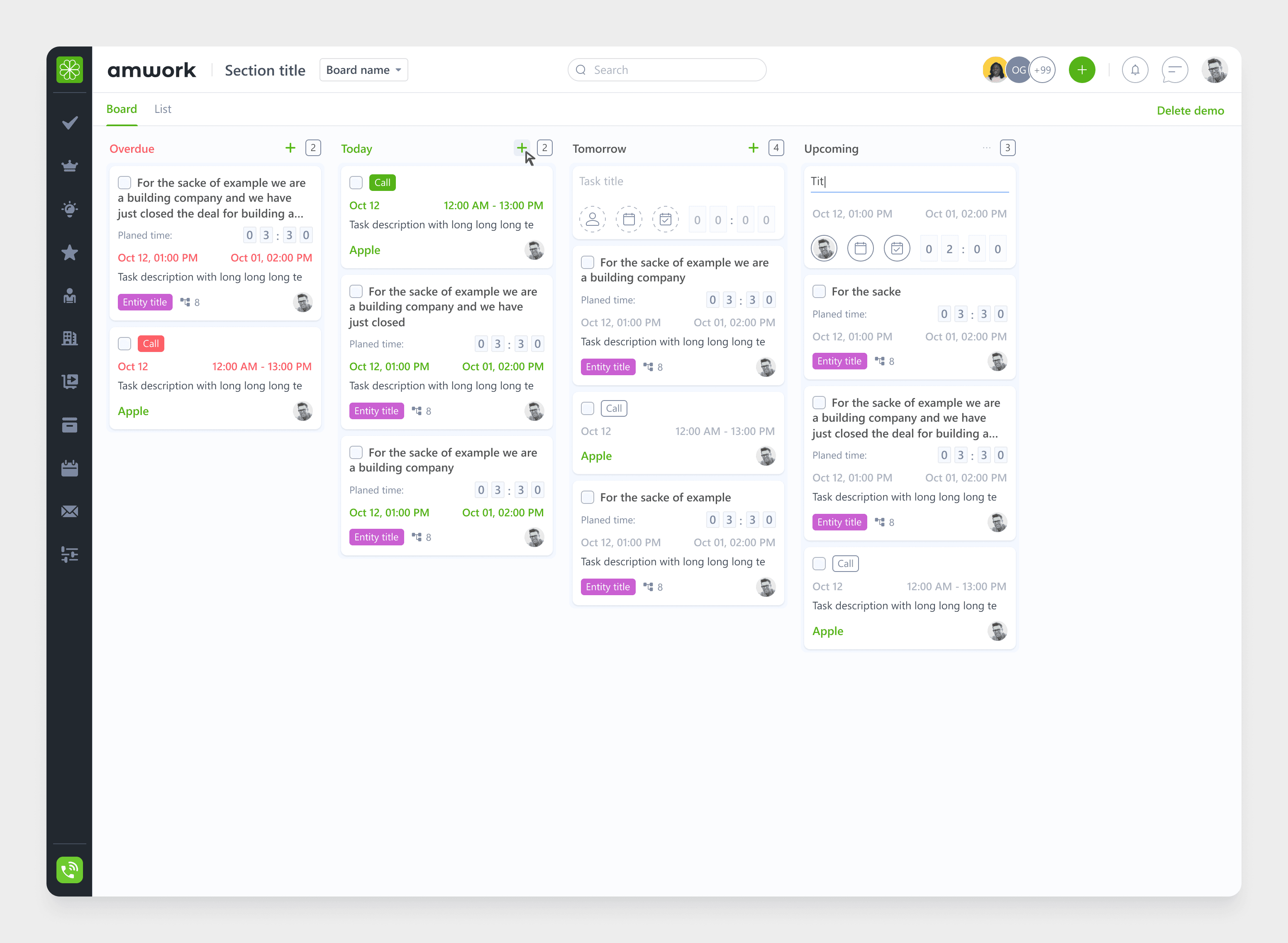
One of the core modules was a Kanban‑style project and task board:
columns for statuses,
tasks with assignees, deadlines, and nested subtasks,
drag‑and‑drop interactions for quick updates.
UX focus
Clean layout that supports a quick scan of priorities.
Fast transitions from “overview” (board) to “action” (editing a task).
Avoiding visual noise while still exposing important metadata (owners, dates, tags).
Hiring & Recruitment
Another major area was hiring pipelines: multi‑stage funnels, candidate profiles, notes, statuses and filters.
The key challenge was to keep navigation simple even when: there were many open roles, each role had many candidates and recruiters needed to switch between them quickly.
UX decisions
A clear funnel view that shows each stage and how many candidates are in it.
Lightweight candidate cards with essential info for quick decisions.
Smooth transitions between candidate profiles and the funnel without losing context.
Appointment Scheduling & Calendar
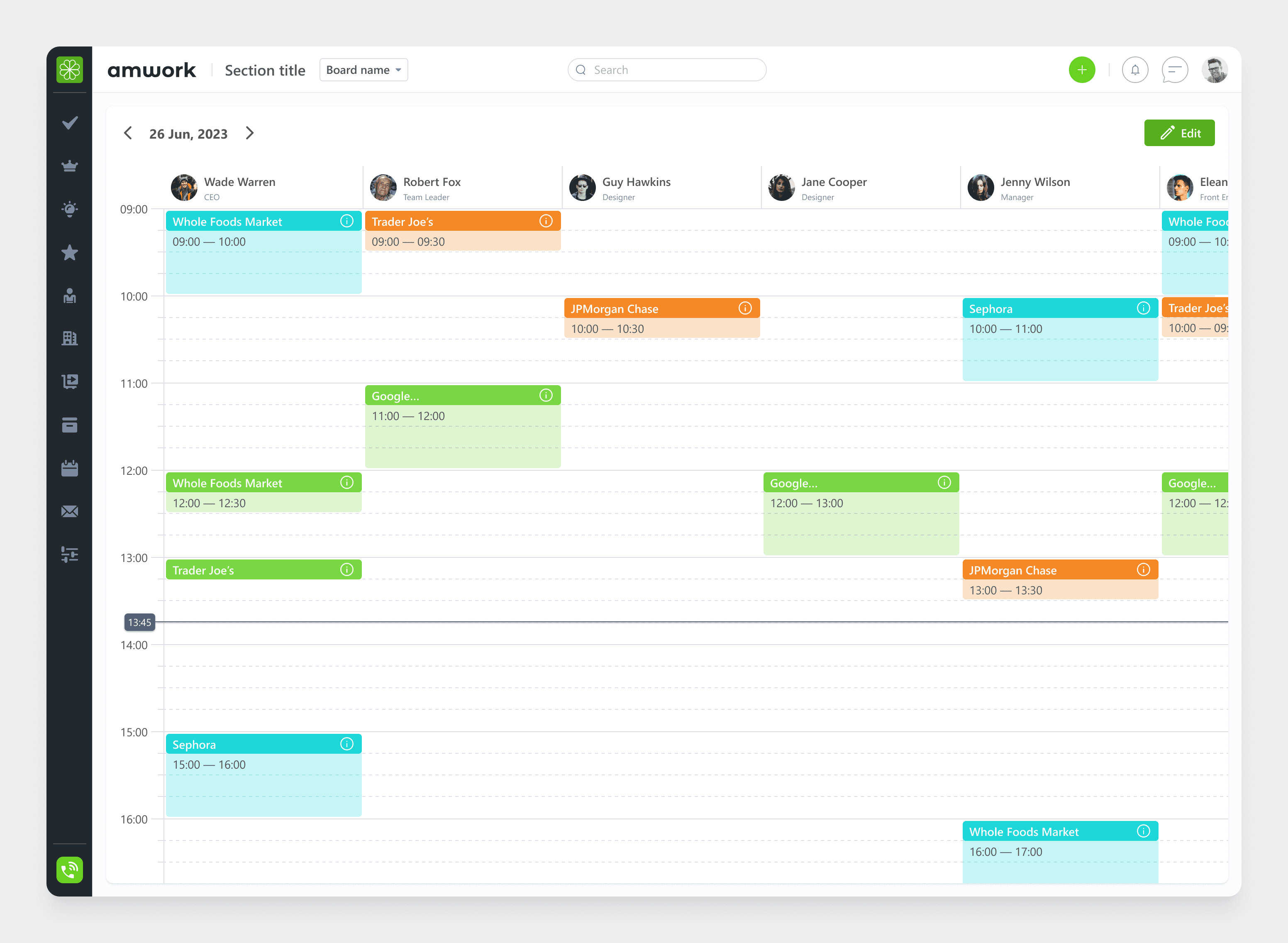
The calendar module had to work across: internal meetings, client calls, recruitment events and be connected to other modules like CRM and projects.
Here the focus was on:
avoiding double bookings and confusion about “who meets whom and where”,
making it easy to understand the relationship between events and other entities (deals, tasks, candidates).
Messenger
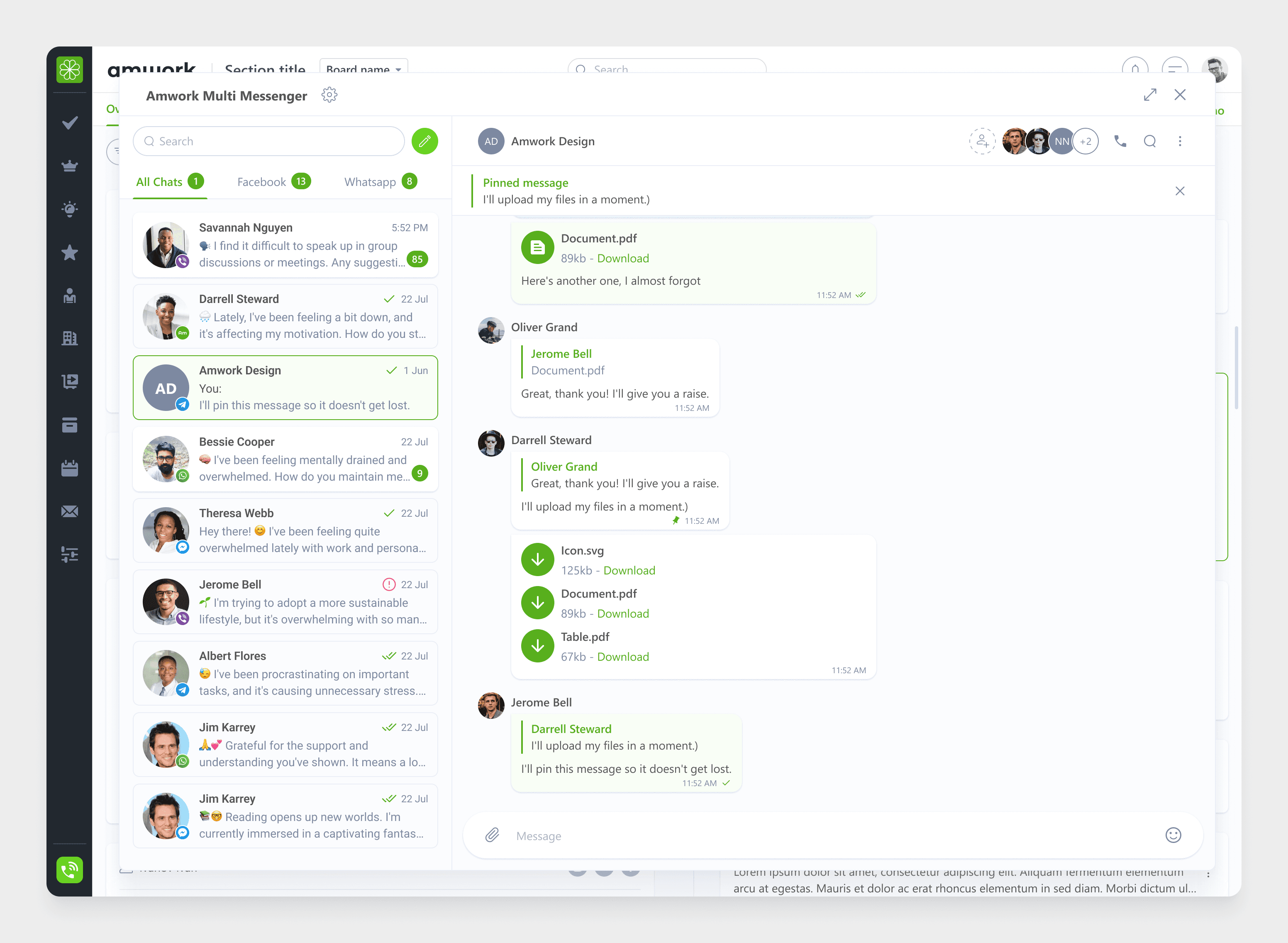
We also added a simple real‑time messenger: conversations tied to projects and tasks, mentions and notifications, support for multiple communication channels through a multi‑messenger approach.
The goal was not to compete with full‑blown chat apps, but to:
make communication around work items visible and structured,
reduce context switching between tools.
Process
My typical workflow for a new module looked like this:
Kick‑off call
The founder explained the business goal, target users, and references (if any).
UX flows & structure
I drafted user flows, core states, and screen structure in Figma.
UI design & states
I designed key screens, edge cases, and interaction states using our evolving design language.
Review & iteration
We discussed trade‑offs with the founder and devs and adjusted the designs.
Handoff & support
I delivered developer‑ready files and supported implementation (questions, clarifications, small adjustments).
Feedback & Early Results
At the time of my work, Amwork was still in an early stage without a large client base. However:
Early users provided feedback that led to UI adjustments and some custom features tailored to their workflows.
The platform reached a point where new modules could be added without redesigning everything from scratch, thanks to a more unified UX.

Oliver Grand, CEO Amwork
“Oleksii joined us at a stage where the platform was growing fast and still taking shape. He quickly integrated into the team and helped bring structure and consistency to a wide range of modules. His responsiveness and attention to detail made collaboration smooth and productive.”
Reflections
Amwork is one of the most complex products I’ve worked on so far. It combines dozens of business processes into a single platform, each with its own edge cases and priorities.
As the sole UX/UI designer, I learned how to:
design at scale, not just screen by screen,
communicate closely with stakeholders in a fast‑moving environment,
bring clarity and consistency to complex tools used by different roles.